
Last updated October 16, 2026
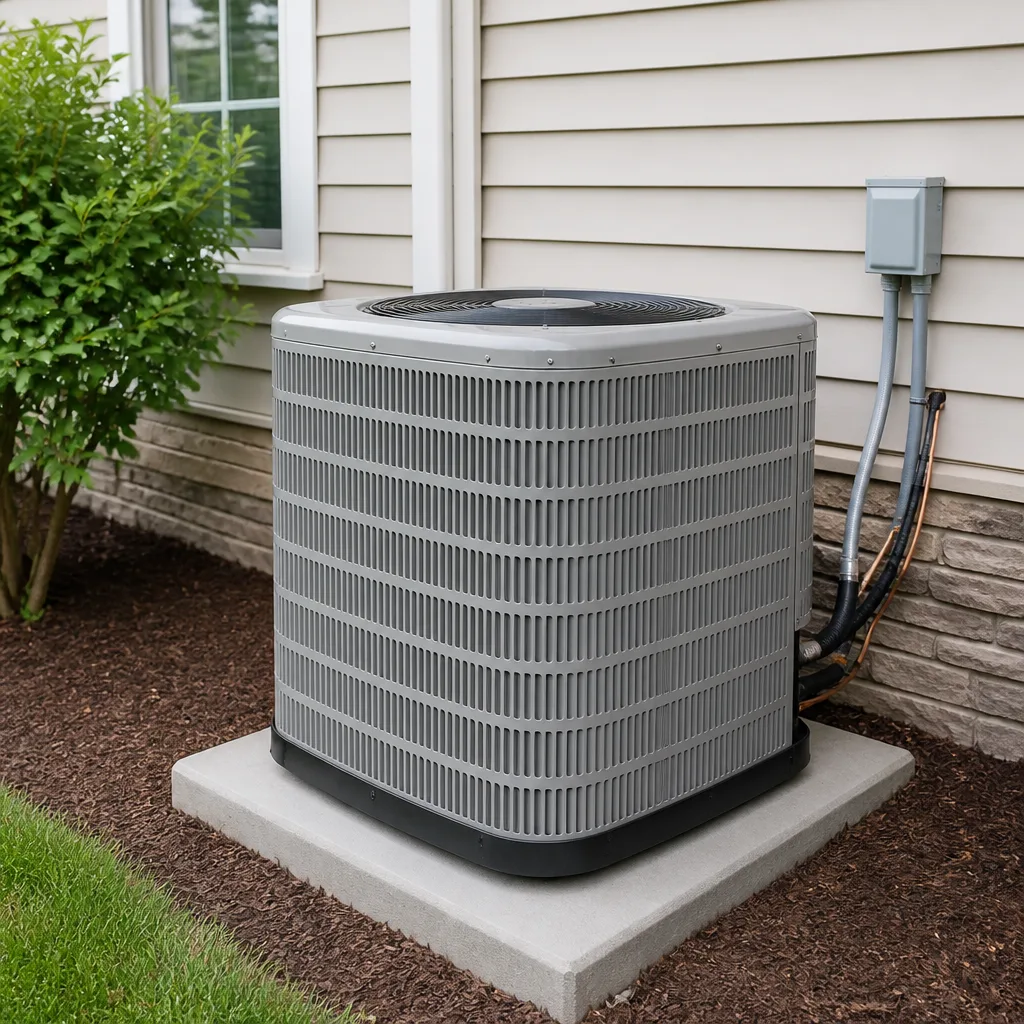 AC repair
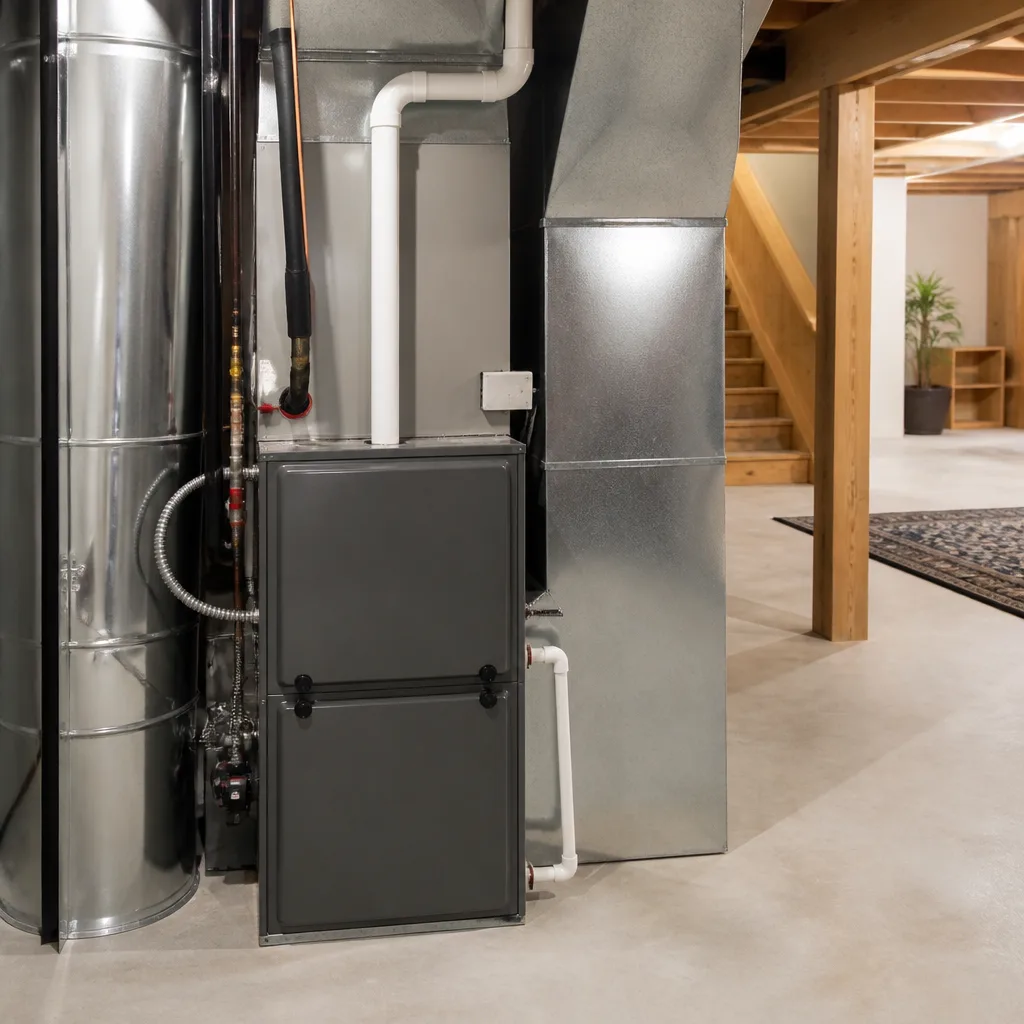 Furnace & heating
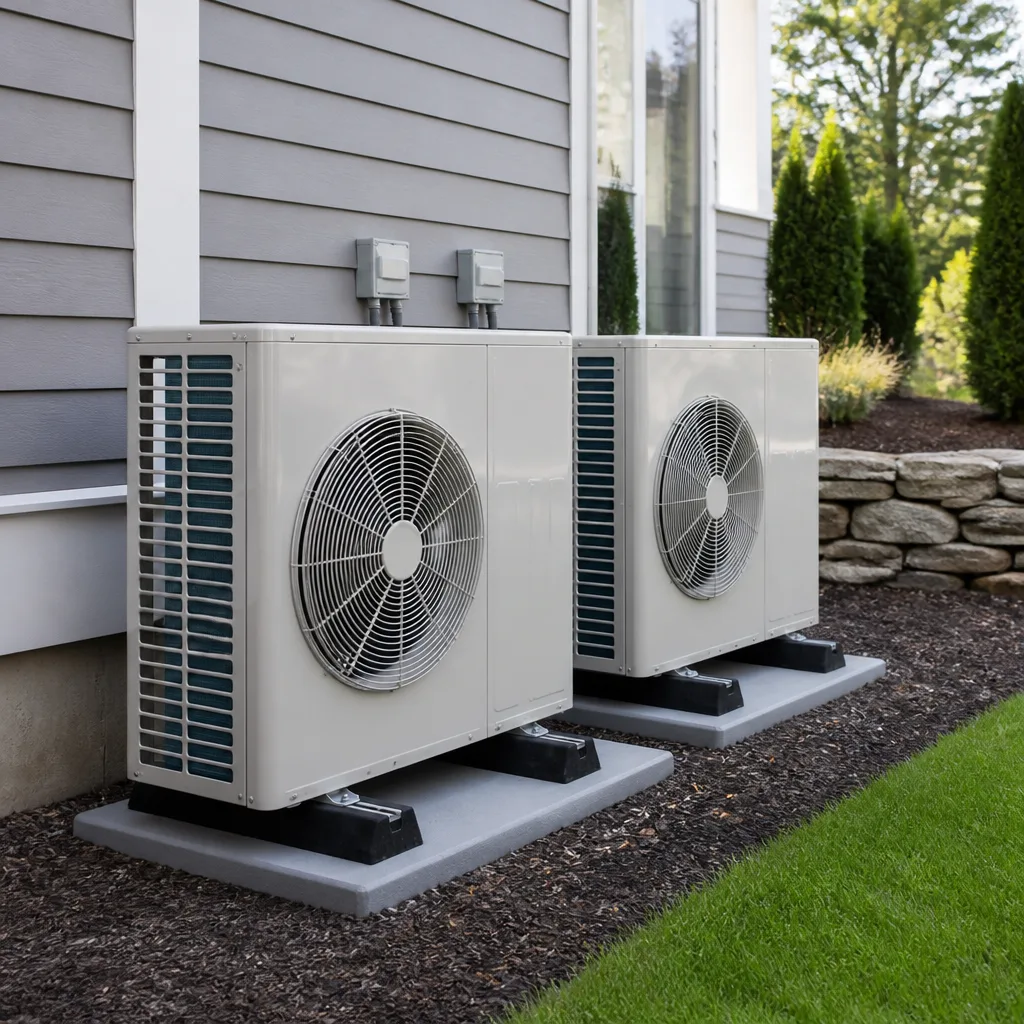 Heat pumps
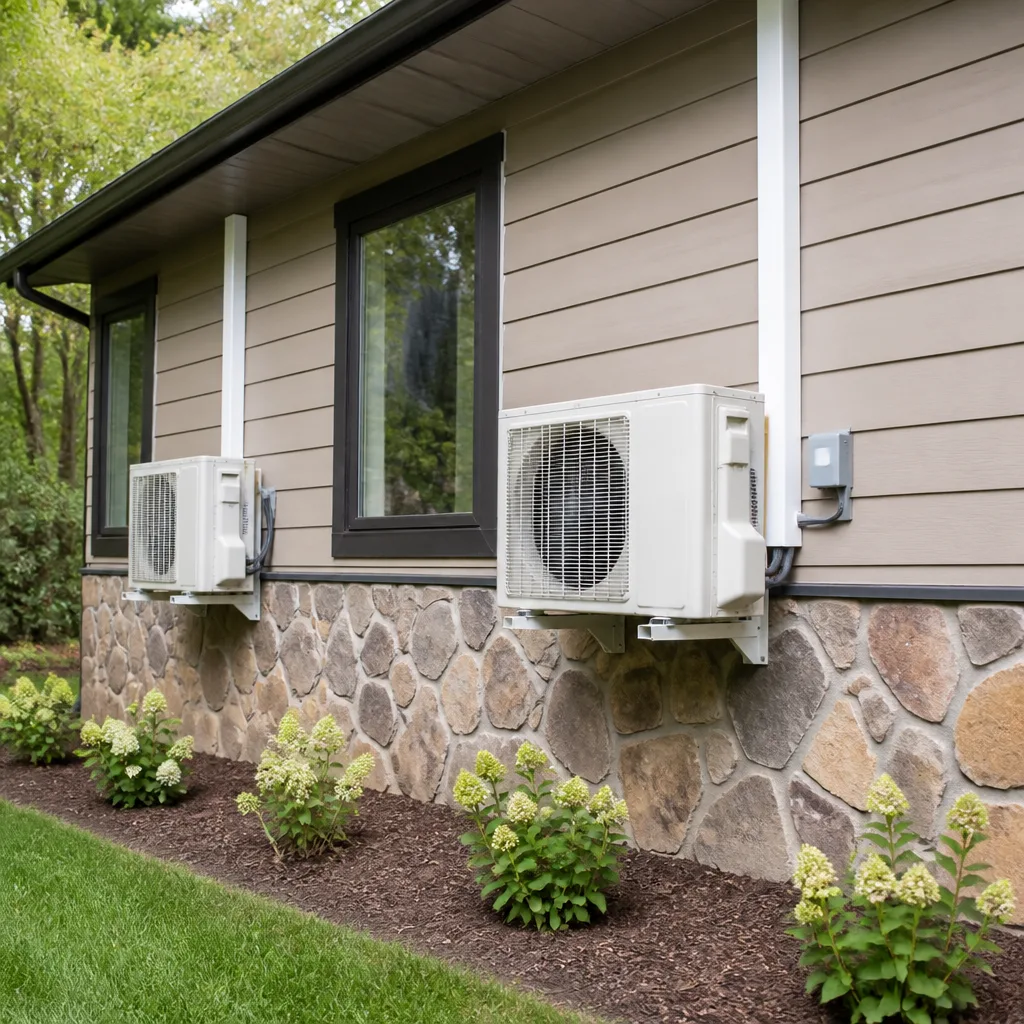 Ductless mini splits
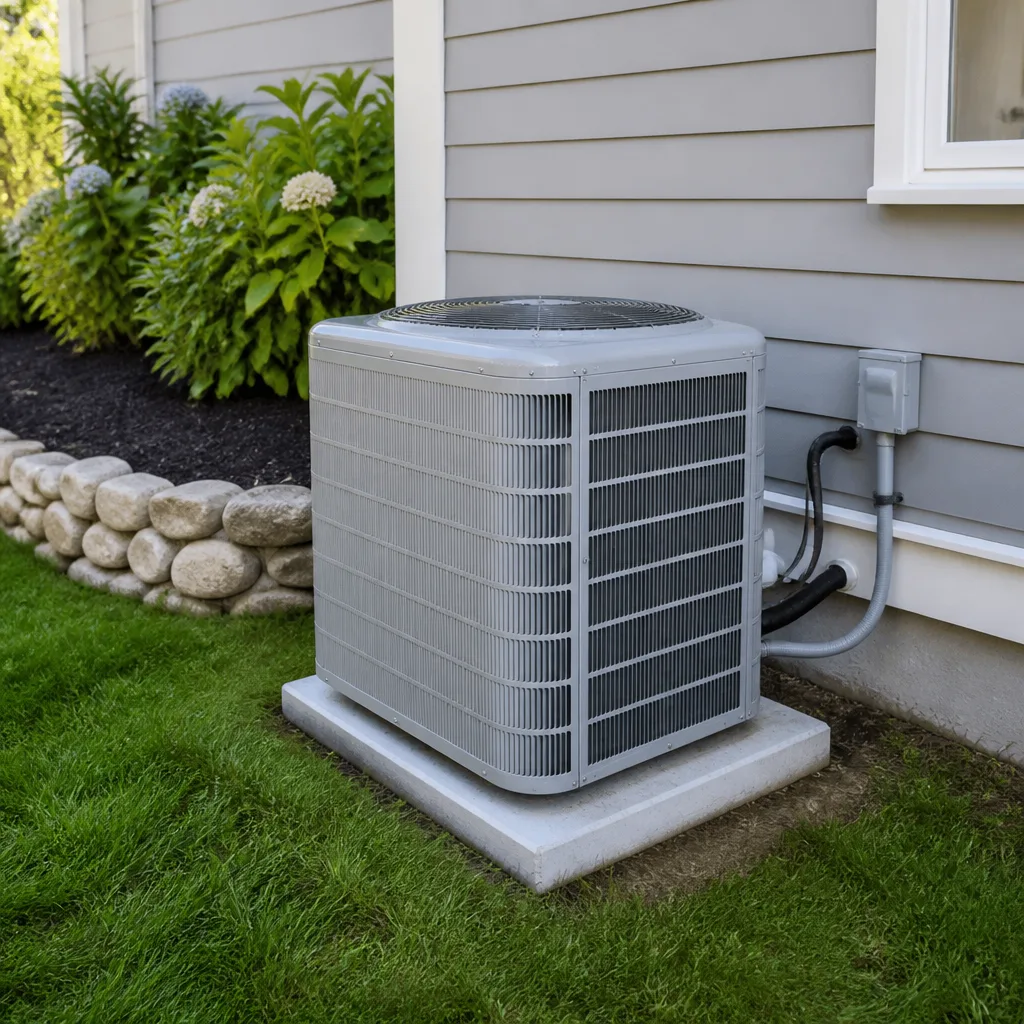 Carrier
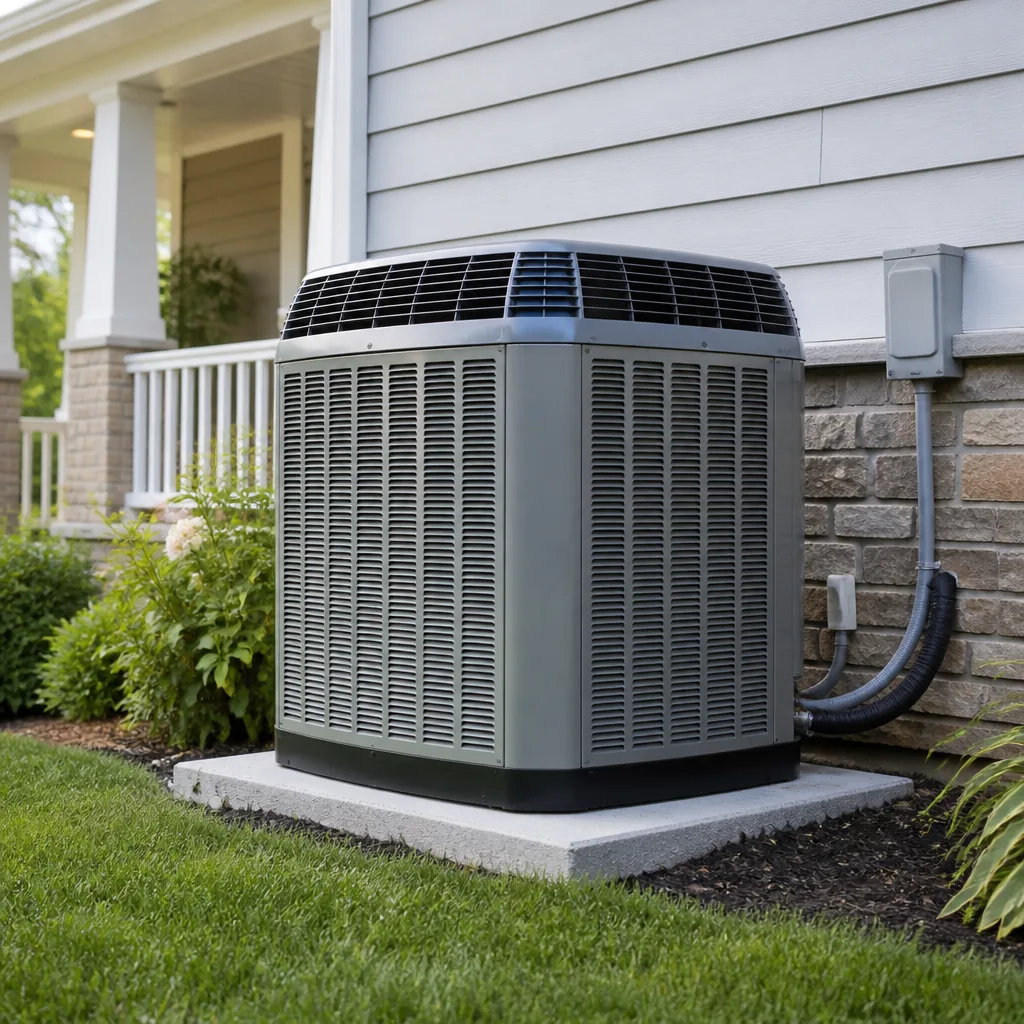 Trane
Trane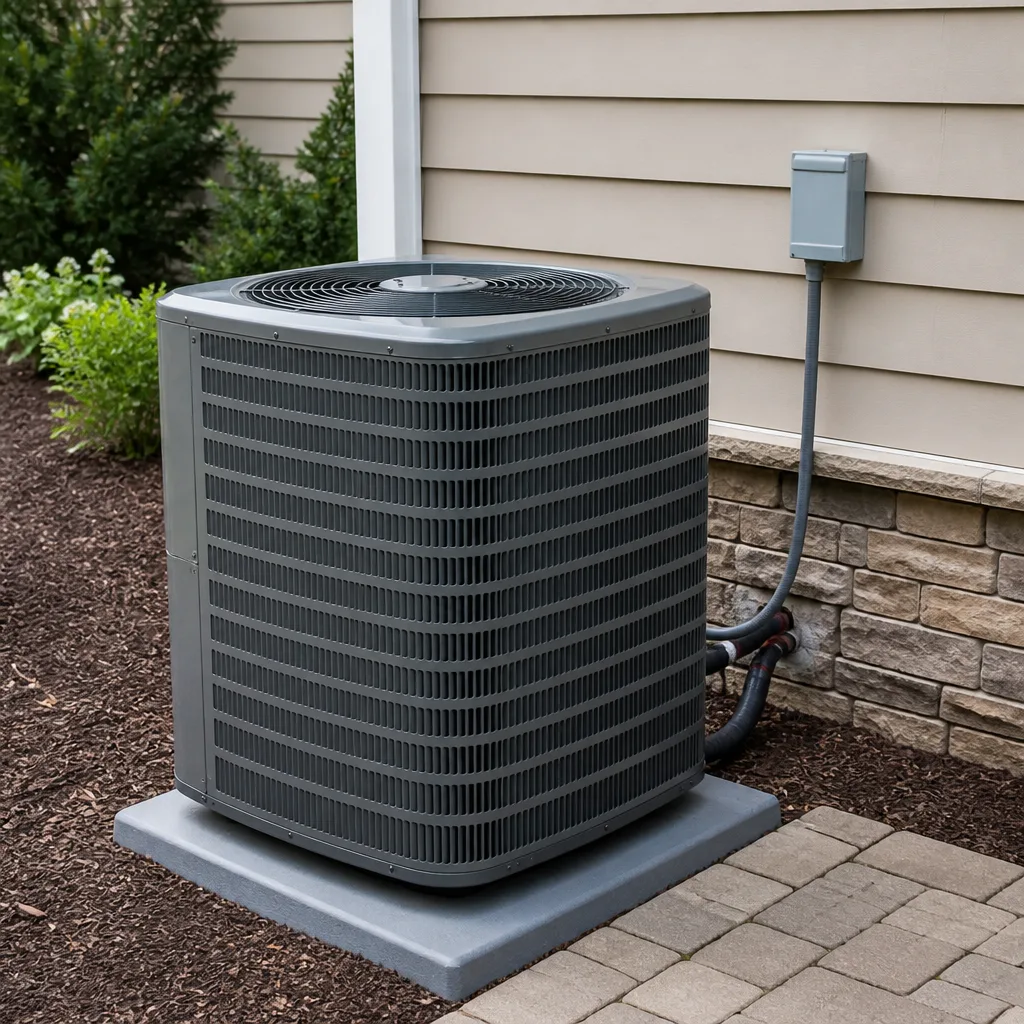 Goodman
Seasonal tune-up and full diagnostic on your Carrier, Trane, or Goodman system - readings shown to you before any repair is proposed
Diagnosis first, numbers second - you approve the repair price before a single part goes in.
Get your free estimateSeasonal HVAC Care for Houston: Year-Round Homeowner’s Guide
Houston doesn’t really have four seasons. It has three HVAC seasons: a long, brutal cooling season that runs from May through September, a short and occasionally panicked heating season scattered between December and February, and a narrow shoulder window in between where the weather can’t quite decide what it wants to do. That shoulder window, roughly mid-October to late November, is the only practical time to have major maintenance done without fighting the calendar. Miss it, and you’re scheduling a tuneup during a July heat wave or a January cold snap, when every HVAC company in Houston is running on emergency calls and you’re waiting longer and paying more for the same work. This guide walks through exactly what to do, month by month, to keep your system running for the long haul without overpaying for it, and you can find more guides & resources on our blog.
Styles & brands we work with
Quick Answer
The most important thing to know about seasonal HVAC care in Houston is that your maintenance calendar should be built around the local weather, not national spring/fall advice. The ideal window for major maintenance runs from mid-October through late November, after cooling demand drops and before the first hard freeze. During this window, you should schedule a full cooling-system inspection, a heating-system safety check, and any deferred repairs, because demand is at its lowest and parts availability is at its best.
Table of Contents
- The Three HVAC Seasons of Houston
- A Houston-Specific Month-by-Month Maintenance Calendar
- Why Heating System Checks Matter Even in Houston
- The Post-Hurricane-Season Inspection: What to Check on Outdoor Units
- Managing Setback Temperatures During Houston’s Shoulder Season
- What a Legitimate Pre-Season Tune-Up Actually Includes
- Common Mistakes to Avoid
- When to Call a Professional
- Frequently Asked Questions
- The Bottom Line
The Three HVAC Seasons of Houston
National HVAC advice assumes a balanced climate: cool spring, hot summer, crisp fall, cold winter. Houston homeowners know better. The reality on the ground here is a cooling season that can stretch from April through October, a heating season that typically amounts to two or three cold snaps between December and February, and two shoulder windows, one in March-April and one in October-November, when the system has to handle both cooling and heating in the same week.
Here’s how those seasons actually play out for your equipment:
- Long cooling season (April through October): Your AC runs hard for six or seven months. In neighborhoods like the Heights, Sugar Land, and Katy, we regularly see systems logging 2,000+ cooling hours per year. That’s about as demanding as a furnace in Minneapolis gets in a decade. The compressor, the condenser coil, the blower motor, and the capacitor are all under continuous stress.
- Brief heating season (December through February): Houston furnaces run fewer than 60 hours a year on average. That’s the catch: a furnace that sits idle for ten months at a time develops its own set of problems, which we’ll cover below.
- Shoulder windows (March-April and October-November): These are the transition periods when nights may dip into the 50s while days still hit the 80s. Your thermostat is switching between modes, and your system is doing the same. This is where short-cycling, humidity problems, and thermostat programming mistakes show up.
Understanding this rhythm changes your maintenance calendar. The national advice says “tune up the AC in spring, tune up the furnace in fall.” The Houston-specific advice is different: do both in the fall shoulder window, between mid-October and late November, as detailed in our AC Repair Maintenance Checklist for Houston Homeowners. That’s when demand is low, parts are available, and the system is about to switch from AC mode to heat mode, making it the most efficient single maintenance visit of the year.
A Houston-Specific Month-by-Month Maintenance Calendar
Here’s the calendar we recommend, based on Houston weather patterns and what we see across thousands of service calls in the metro area. This isn’t a generic spring/fall split; it’s mapped to the actual conditions your system faces month by month.
- January: Monitor heating performance. If your furnace runs more than four hours a day during Houston’s cold snaps, listen for unusual sounds from the blower and watch for delayed ignition. Change the air filter. If the system short-cycles, call for service before the next freeze. Heating failures in Houston are disproportionately dangerous because homes here are built for heat rejection, not heat retention.
- February: Check the outdoor condenser for winter debris, leaves, and any signs of animal nesting. Rodents move into idle outdoor units during cool months and chew through wiring and capacitors. This is a surprisingly common call in Spring and The Woodlands.
- March: Test the AC before the heat arrives. Run it for 20 minutes on a warm day and verify it’s reaching the setpoint. If the coil freezes, if humidity rises, or if the airflow is weak, you’ve got a problem that will only get worse as temperatures climb.
- April: First full cooling month. If you haven’t changed the filter since January, do it now. Good airflow is the single best protection against coil freezing, which is one of the most expensive common failures.
- May: Peak cooling demand begins. If the AC is running constantly but not keeping up, the problem is low refrigerant, a dirty coil, or an undersized system. Don’t delay diagnosis; heat stress puts the compressor at risk, and compressors are the single most expensive component to replace.
- June through August: Cooling season peaks. Your only job is to change the filter monthly and watch for symptoms: reduced airflow, warm air from the vents, or a thermostat that can’t hold the setpoint. If you notice any of these, address them while the system is still running. Ignoring symptoms until the system fails completely is what turns a $300 repair into a $3,000 replacement.
- September: Hurricane season peaks. After any significant storm, inspect the outdoor unit for debris, standing water, and physical damage. We cover this in detail below.
- October: The ideal maintenance month in Houston. Demand is low, parts are available, and the system is transitioning from cooling to heating. Schedule a full cooling-system inspection and a heating-system safety check. This is the single most important maintenance action of the year.
- November: If you missed October, November is still good, but the window is closing. The first freeze can arrive in early December, and the heating system checks need to happen before then. This is also the time to test your heat mode ahead of the first cold snap.
- December: Monitor heating performance. Houston furnaces that have been sitting idle for ten months often fail on their first ignition call. If the furnace starts making unusual sounds, produces weak heat, or trips the breaker on startup, call for service the same day. The last thing you want is a heating failure during Houston’s coldest month.
This calendar is built for Houston’s specific weather pattern. Following national seasonal advice means doing maintenance in April and October, which means your heater check happens in the middle of the cooling season, and your AC check in the middle of the heating season. The Houston calendar above puts both checks in the same fall window, saving you a service visit and ensuring the system is ready for the mode switch-see our Complete Guide to HVAC in Houston for the full picture.
Why Heating System Checks Matter Even in Houston
Houston furnaces run fewer than 60 hours a year on average. That sounds like a reason to skip the heating check. It’s actually the opposite: a furnace that sits idle for ten months at a time develops its own unique failure modes that active furnaces don’t face. Here’s what we see in Houston specifically:
- Ignitor degradation: The hot surface ignitor is a ceramic element that glows red-hot to light the burner. It’s fragile, and it fails more often in humid climates than in dry ones. Houston’s humidity accelerates the chemical breakdown of the ignitor’s protective coating. A furnace that’s been sitting since February often lights fine in October but fails to ignite on the first cold snap in December.
- Heat exchanger corrosion: Houston’s humid air means condensation forms on the heat exchanger during idle months. Over time, this contributes to surface corrosion, which can lead to small cracks. A cracked heat exchanger is a carbon monoxide risk, not just a comfort issue. Because Houston runs the furnace so few hours, this degradation can go unnoticed for years, until the one time the furnace runs long and hard during an unusual cold snap.
- Gas valve seizing: The gas valve opens and closes with each heating cycle. When it sits for months at a time, the internal seals can dry out, seize, or fail to open properly on the first call for heat. This produces a furnace that won’t fire, or fires too weakly to maintain the setpoint.
- Blower motor bearing degradation: The blower motor runs in both heating and cooling modes, so it doesn’t sit idle the way the gas valve does. But the motor bearings wear out during the long cooling season, and the first cold snap is often when they finally fail. In our experience, blower motor failures cluster in December and January, right as the heating season starts.
The practical takeaway: a heating check in the fall shoulder window, before the first cold snap, is the cheapest way to avoid a heating failure during Houston’s coldest month. A trained technician can inspect the ignitor, check the heat exchanger for cracks, test the gas valve, and verify the blower motor’s bearings are sound. If anything is marginal, you get the repair done in November, when parts are available and demand is low, rather than in January, when every furnace in Houston is suddenly failing at the same time.
The Post-Hurricane-Season Inspection: What to Check on Outdoor Units
Houston’s hurricane season runs June through November, with peak activity from August through October. After any sustained high-wind event, the outdoor condenser unit can take damage that isn’t immediately visible from the outside. Here’s what we tell Houston homeowners to check, and here’s how to document it before calling a technician.
First, visual inspection:
- Check for physical displacement: High winds can shift the unit off its pad, torque the refrigerant lines, and crack the connections at the service valves. If the unit has moved even an inch, the refrigerant lines may be stressed. Don’t run the system until this has been inspected by a professional.
- Look for debris inside the coil: Wind-driven leaves, twigs, and small branches get lodged between the coil fins. This isn’t just a cosmetic issue: a coil packed with debris reduces airflow, raises head pressure, and can push the compressor into thermal overload.
- Inspect the electrical wiring: Wind can pull the whip, the flexible conduit that carries electrical power to the unit, loose from its connectors. A partially disconnected whip is an electrocution hazard, not just a system failure risk.
- Check for standing water around the base: Houston’s flat terrain means storm water pools around outdoor units. If the unit is sitting in water, the electrical compartment may have flooded. Do not operate the system until a professional has verified the electrical connections are dry and secure.
- Verify the fan spins freely: After a storm, debris can jam the fan blade. If the fan can’t spin, the compressor will overheat and shut down under thermal overload.
Second, documentation for insurance:
Before any repair is made, photograph the outdoor unit from all four sides, including close-ups of any visible damage. Also photograph the surrounding area, showing the unit’s position on the pad and any debris that hit it. If the unit has been displaced, photograph the pad and the refrigerant lines from multiple angles. If your insurance policy covers wind damage, this documentation is often the difference between a covered claim and an uncovered one. We also recommend noting the date and time of the storm, and keeping a record of any local weather warnings.
Then, call a professional. AC Repair in Houston after a storm is best handled by a technician who can verify the system’s electrical safety, inspect the refrigerant lines for stress, and determine whether the damage is repairable or if the unit needs replacement. We’ve seen units that looked fine from the outside but had cracked internal components from wind-driven impact. The visual inspection catches the obvious; the professional assessment catches the rest.
Managing Setback Temperatures During Houston’s Shoulder Season
Houston’s shoulder seasons are the most technically demanding time for HVAC controls. In October, the forecast can look like this: overnight low of 55°F, afternoon high of 85°F. The system has to handle both heating and cooling in the same 24-hour cycle, and the thermostat settings that worked fine in July are now actively working against you.
Here’s the problem: if you set a setback temperature that assumes summer conditions (say, 78°F while you’re away, 72°F when you’re home), the AC runs for short bursts as the house warms and cools. That’s short-cycling, and it’s bad for two reasons. First, short cycles don’t run long enough to dehumidify, so you get a cold, clammy house. Second, short cycles put extra wear on the compressor and the capacitor, the two components most likely to fail from repeated starts.
Here’s what we recommend instead for Houston’s shoulder seasons:
- Narrow the setback. Instead of a 6° swing (72°F home / 78°F away), use a 3° swing (73°F home / 76°F away). This keeps the system running longer, which means fewer compressor starts and better dehumidification.
- Use “Auto” mode if your thermostat has it, but be cautious. Auto mode switches between heating and cooling as needed. It works well during the October shoulder window, but on days when the temperature swings widely, it can cause the system to cycle back and forth. We generally recommend Auto mode for October specifically, then switching to Heat or Cool mode manually once the weather settles.
- Set the humidity control separately if you have a dehumidifier. If your system has a built-in dehumidifier, set it to 50 – 55% during the shoulder season. The goal is to keep the house dry even when the temperature is mild, because Houston’s humidity doesn’t take a shoulder-season break.
- Don’t disable the system entirely. Some homeowners turn the system off during October and open the windows. The problem is that Houston’s humidity doesn’t go away just because the temperature is comfortable. A house that’s unventilated for a week in October at 75°F and 70% humidity will grow mold, especially in kitchens and bathrooms. Run the system, even if it’s just in fan-only mode, during the shoulder season.
The goal is to prevent short-cycling without sacrificing humidity control. It takes a bit of experimentation, and what works for a house in the Heights won’t necessarily work for a house in Cypress, because the microclimates and insulation levels are different. But the principles are the same: narrow the setback, use Auto mode cautiously, and never leave the system off during a humid spell.
What a Legitimate Pre-Season Tune-Up Actually Includes
The phrase “pre-season tune-up” gets used a lot in Houston HVAC marketing. Some companies use it as a low-cost door opener, sending a technician out to spend ten minutes checking the filter before pitching a replacement system. A legitimate tune-up is a specific set of tasks that take 45 to 90 minutes and cover the entire system, not just the easy-to-see parts. Here’s the checklist we use, and here’s roughly how long each task takes:
- Inspect and clean the outdoor coil (10 – 15 minutes): The condenser coil is where heat is rejected to the outside. If it’s dirty, the system runs hotter and less efficiently. Cleaning it properly requires removing the outer grille and washing the coil from the inside out, not just spraying the outside.
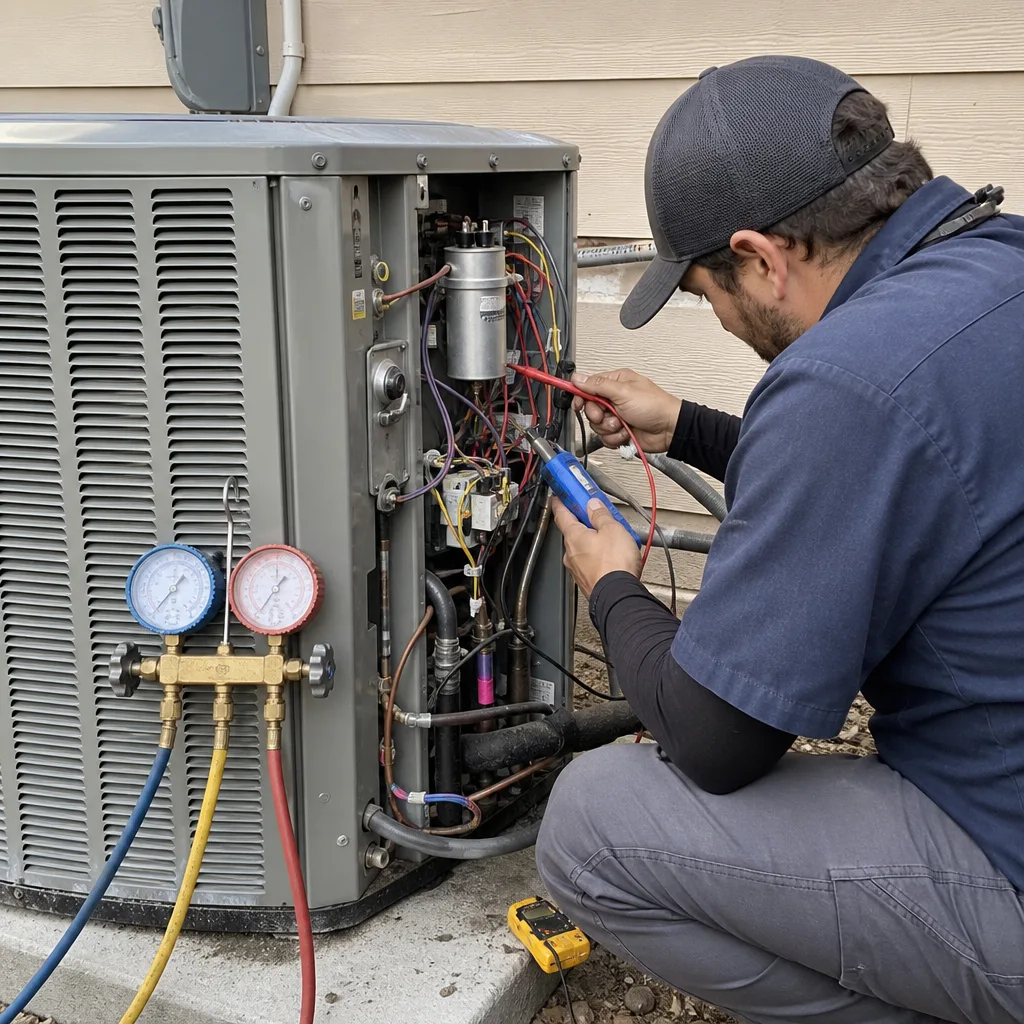
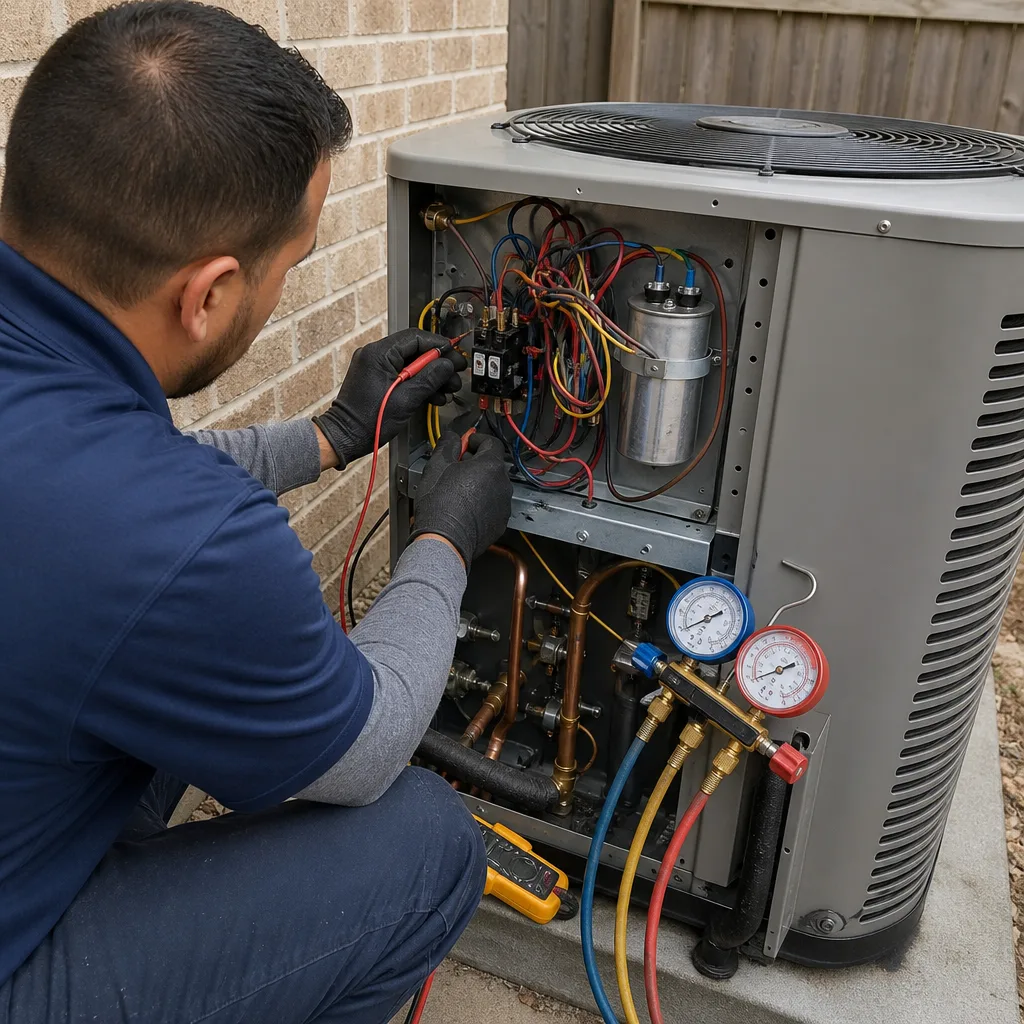
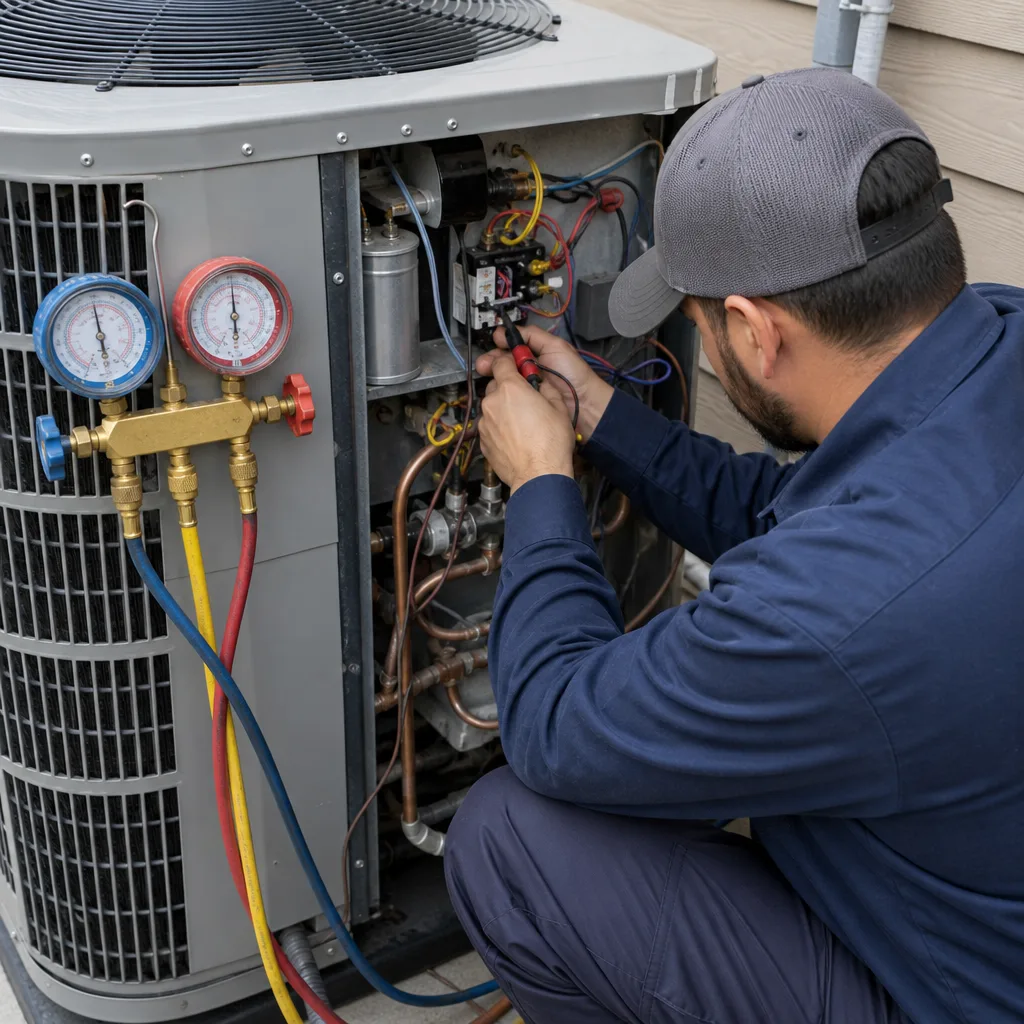
- Check refrigerant level and pressure (10 – 15 minutes): An undercharged system is the most common cause of low cooling performance. The technician should measure both the low-side and high-side pressures and compare them to the manufacturer’s specification for the outdoor temperature.
- Inspect and test the capacitor (5 minutes): The capacitor provides the electrical jolt to start the compressor and fan motor. It’s the single most common point of failure on residential AC systems, and it can be tested in minutes with a multimeter. If it’s reading below tolerance, it’s a $150 – $300 replacement. If it fails entirely, it’s a no-cooling call on a 100°F day.
- Clean the condensate drain line (10 minutes): Houston’s humidity means the evaporator coil produces gallons of condensate every day. Algae and mold build up in the drain line, causing clogs that lead to water damage and system shutdowns. A proper tune-up includes flushing the drain line and, if needed, treating it with an algaecide.
- Inspect the evaporator coil (10 minutes): This is the indoor coil that absorbs heat. If it’s dirty or the airflow across it is restricted, the coil can freeze. A frozen coil restricts airflow further, and the cycle gets worse. The technician should inspect the coil’s condition and recommend cleaning if needed.
- Check and lubricate the blower motor (5 – 10 minutes): The blower motor moves air across both coils. If the bearings are dry, the motor runs hot and eventually burns out. Lubrication is a five-minute job that can buy years of service life.
- Test the thermostat calibration (5 minutes): A thermostat that’s reading 2°F off will cause the system to run longer or shorter than it should. Testing calibration is quick, and the fix is usually a simple adjustment.
- Run the system and measure temperature differential (10 minutes): The true test of system health is the temperature split between the return air and the supply air. For a properly charged and functioning system, that split should be 15 – 20°F. If it’s less, there’s a problem that needs diagnosis.
That’s the full list, and it’s what every legitimate tune-up should include. If a company offers a “tune-up” for $39 or $49, read the fine print: it’s probably an inspection-only visit designed to generate a sales call, not a maintenance service. The value of a tune-up isn’t the low price; it’s the technician actually doing all eight tasks above and giving you a written report of what was found.
Common Mistakes to Avoid
- Following national seasonal advice. The “AC tune-up in spring, furnace tune-up in fall” advice makes sense in Chicago or Denver, not in Houston. Here, both systems should be checked in the October-November shoulder window. Doing it any other way means either paying peak-season prices or skipping the heating check altogether.
- Neglecting the air filter because it “looks fine.” A filter that looks clean may still be loaded with fine particles that restrict airflow. Change it monthly during peak cooling season, even if it looks okay. The filter is the cheapest insurance against coil freezing and blower motor failure.
- Ignoring a slow-draining condensate line. If the drain pan is full of water or the drain line is making gurgling sounds, you’ve got a clog building. A drain line clog is a $100 – $200 fix if caught early and a $2,000+ water damage claim if ignored.
- Turning the system off during the shoulder season to save energy. This is a Houston-specific mistake. The humidity doesn’t take a break in October, and an unventilated house at 75°F and 70% humidity is a mold incubator. Run the fan or use Auto mode instead.
- Skipping the post-hurricane inspection because the unit looks okay. Wind damage is often internal. A unit that looks fine can have a stressed refrigerant line or a cracked component. The post-storm inspection is cheap insurance, especially if your insurance policy covers wind damage.
- Waiting for the system to fail before scheduling maintenance. The most expensive HVAC calls we get are the ones where a homeowner ignored symptoms for weeks or months. A weak airflow in August becomes a frozen coil in September becomes a compressor replacement in October. Address symptoms when they first appear.
- Assuming a furnace that runs 60 hours a year doesn’t need service. The opposite is true. A furnace that sits idle for ten months is more likely to fail on its first heating call than a furnace that runs regularly. Houston furnaces need an annual check, just before the first cold snap.
When to Call a Professional
A professional HVAC visit is warranted when the system shows any of these patterns: the AC runs constantly but doesn’t reach the setpoint; the airflow is noticeably weak from the vents; the outdoor unit makes unusual sounds (grinding, screeching, or loud banging); the circuit breaker trips when the system starts; the drain pan overflows or the drain line is visibly clogged; the thermostat shows an error code; or the heating system fails to light on its first call in months. In any of these cases, continuing to run the system risks turning a small repair into a major failure. Cold Harbour Heating and Air Houston offers free estimates in Houston, and we show up when we say we will, with a written price before any work begins. Call (832) 371-9862 to schedule.
Frequently Asked Questions
A legitimate full-system maintenance visit in Houston typically runs $89 – $189, depending on the system size and what’s included. A legitimate visit includes coil cleaning, refrigerant check, capacitor test, drain line flush, blower inspection, thermostat calibration, and a temperature differential test, all of which should be documented in a written report. Beware of $39 or $49 “tune-ups” that are inspection-only visits designed to generate a sales call. Call (832) 371-9862 for a written quote on a full maintenance visit.
The ideal window for HVAC maintenance in Houston is mid-October through late November, after cooling demand drops and before the first freeze. This is when demand is lowest, parts are most available, and the system is transitioning from cooling to heating, making it the most efficient single maintenance visit of the year. If you miss this window, the next best time is early in the cooling season (March or April), but you’ll be competing with higher demand.
Yes, and for exactly the reason it runs so few hours. A furnace that sits idle for ten months at a time develops degradation that active furnaces don’t face: ignitor failure from Houston’s humidity, heat exchanger corrosion from condensation, gas valve seizing from disuse, and blower motor bearing failure from the long cooling season. An annual heating check in the fall catch these issues before the first cold snap, when every furnace in Houston fails at once and repair times are longest.
During Houston’s shoulder months, when nights hit 55°F and days hit 85°F, use a narrow setback of 2 – 3°F (for example, 73°F when home, 76°F away) rather than the 5 – 6°F setback that works in summer. A wide setback causes short-cycling, which means the system doesn’t run long enough to dehumidify and puts extra wear on the compressor and capacitor. Use Auto mode during October if your thermostat has it, and keep the system running rather than turning it off to open the windows.
After high winds, check the outdoor unit for physical displacement on its pad, debris packed into the coil, loose electrical wiring at the service connection, standing water around the base, and fan blades jammed by debris. Photograph the unit from all four sides, including close-ups of any damage, before calling a technician. Do not run the system until a professional has verified the electrical connections and refrigerant lines are sound.
Change the filter monthly during peak cooling season (May through September), and at least every two months during the shoulder and heating seasons. Houston’s humidity and pollen loads mean filters load up faster than in drier climates. A loaded filter restricts airflow, which is the leading cause of coil freezing and blower motor failure. If you have pets, plan on monthly changes year-round.
Yes, in most cases. Cold Harbour Heating and Air Houston has a live person answering the phone 24 hours a day, 7 days a week, and we typically respond to Houston repair calls same-day or next-day. Our Furnace Repair in Houston and AC repair services include a written price before any work begins, and every repair comes with a 365-day written guarantee. Call (832) 371-9862 now.
The Bottom Line
Houston’s climate punishes HVAC systems in ways that national maintenance advice doesn’t anticipate. The long, humid cooling season wears out capacitors, coils, and compressors. The brief, idle heating season degrades ignitors, heat exchangers, and gas valves. The shoulder seasons demand smart thermostat settings that prevent short-cycling without sacrificing dehumidification. And the hurricane season adds a whole category of wind-related risks that most homeowners never think about until the damage is done. The single most valuable maintenance move you can make is scheduling a full-system check during the October-November shoulder window, when demand is low and the system is transitioning from cooling to heating. It’s the cheapest, most effective way to keep your Houston home comfortable through every season the Gulf Coast throws at it.
If you’re ready to get on a Houston-specific maintenance schedule, call (832) 371-9862 for a free estimate. Cold Harbour Heating and Air Houston has served Houston since 2003, and our Cold Harbour Heating and Air Houston home page has more about how we work. For system-specific help, see our AC Installation in Houston page if you’re considering a replacement. We’ll show up when we say we will, give you a written price before any work begins, and back every repair with a 365-day written guarantee.
Written by Victor Mancini, Owner at Cold Harbour Heating and Air Houston, serving Houston since 2003.
See the difference
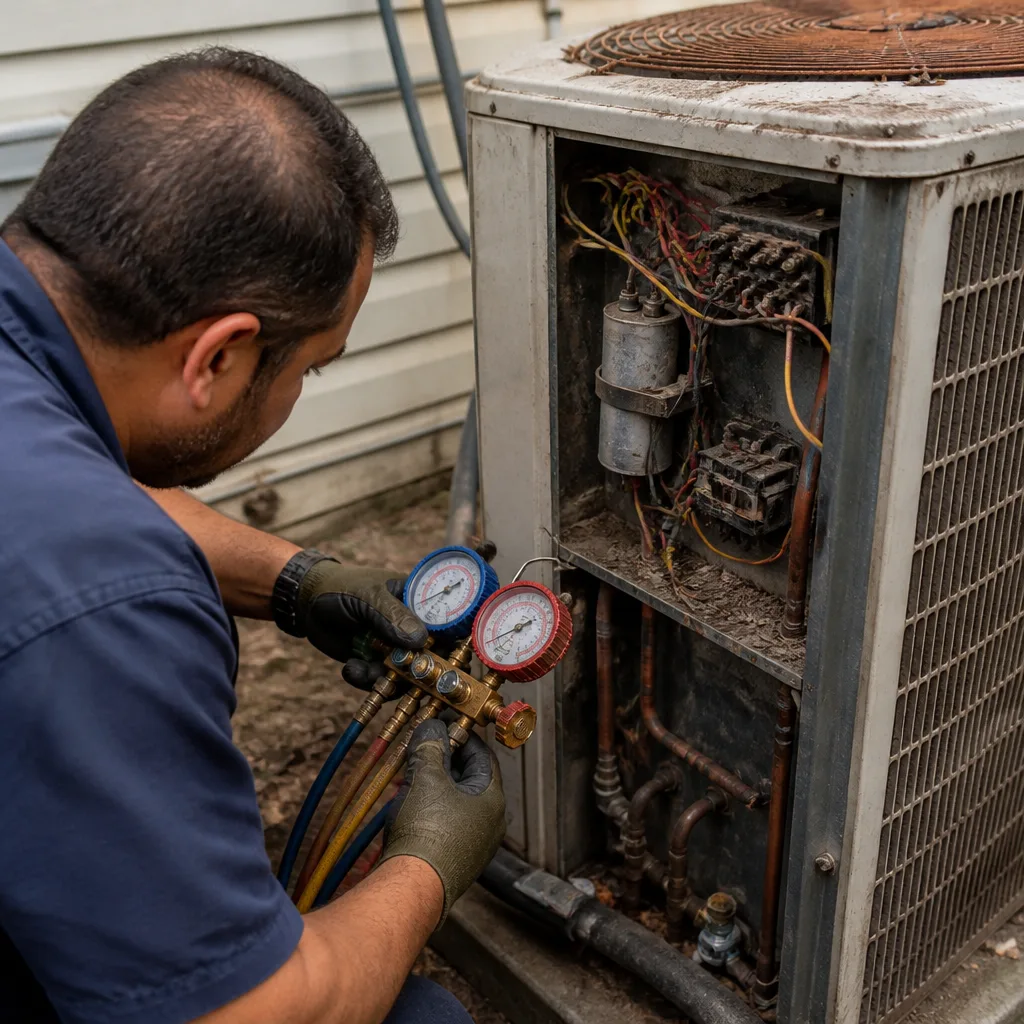 Before
 After
After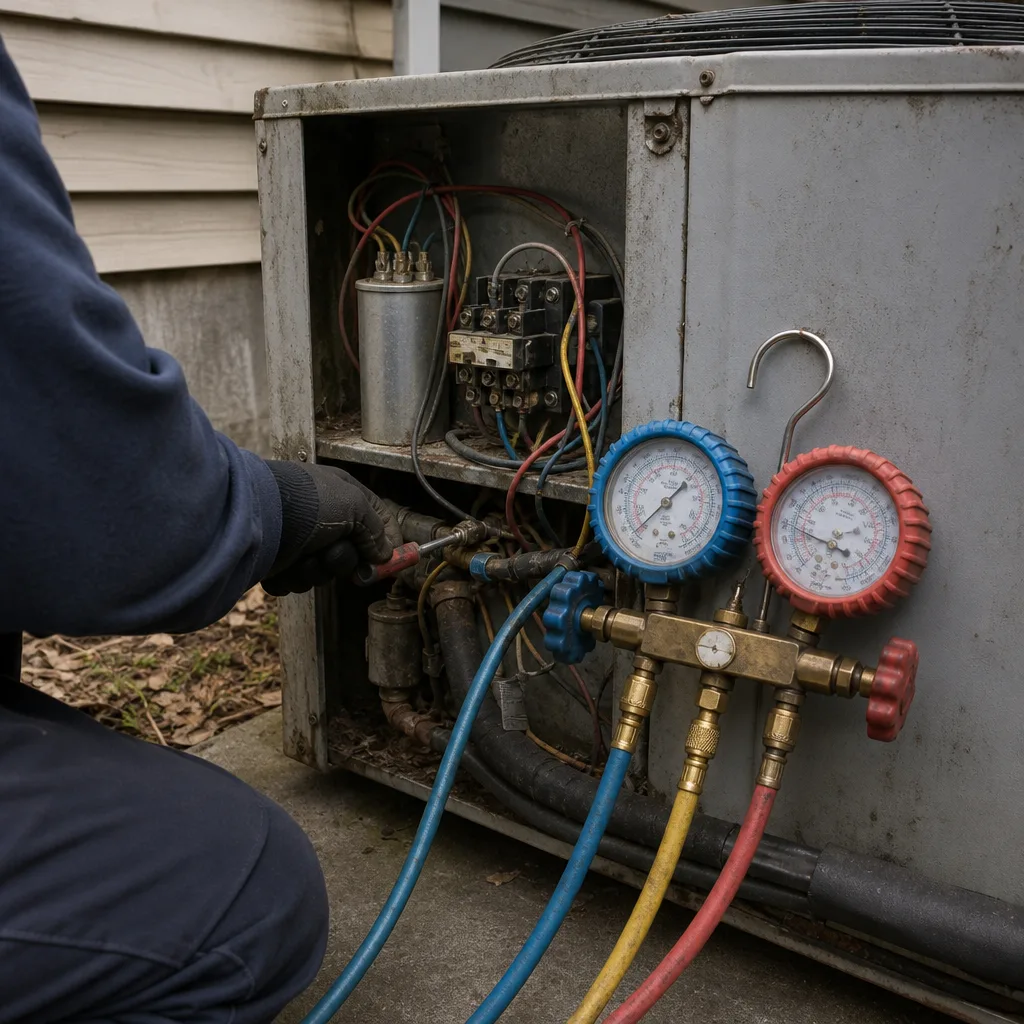 Before
 After
After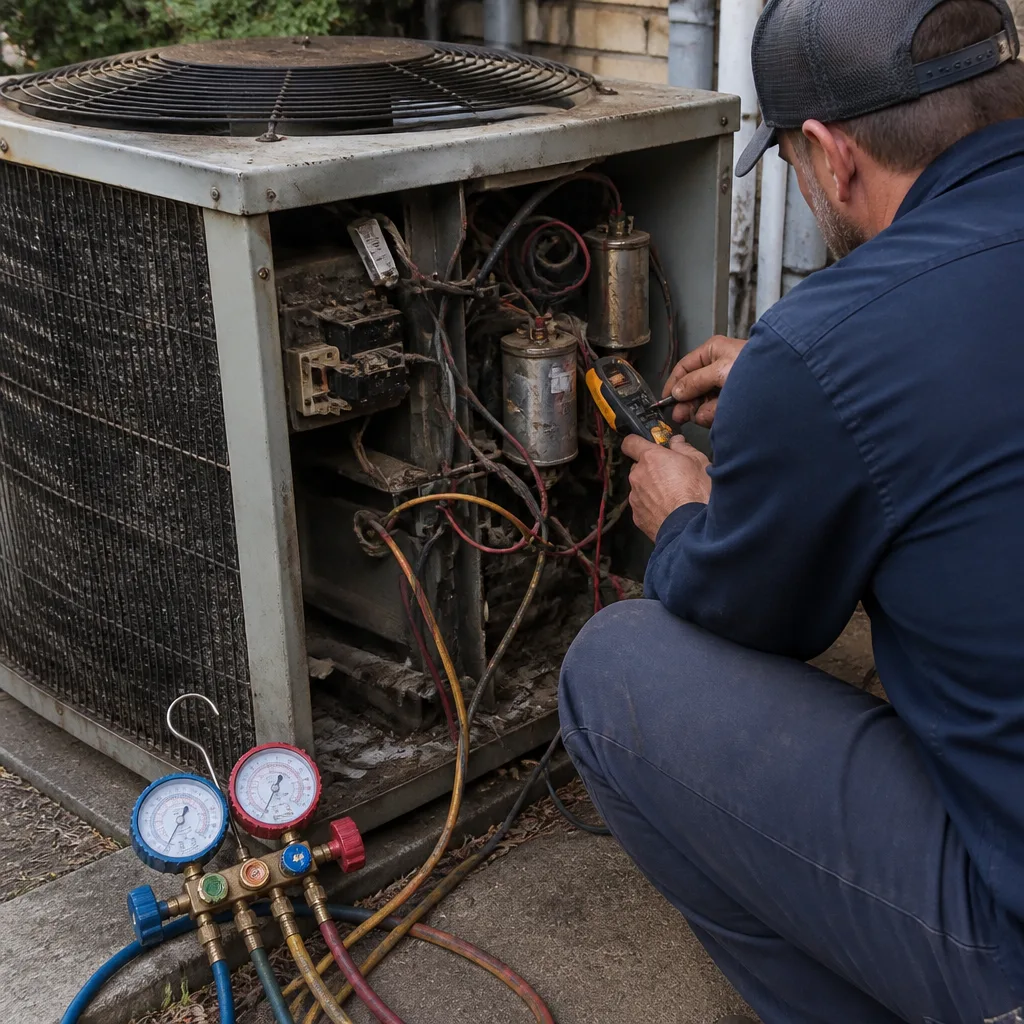 Before
 After
After